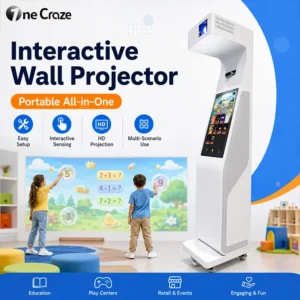
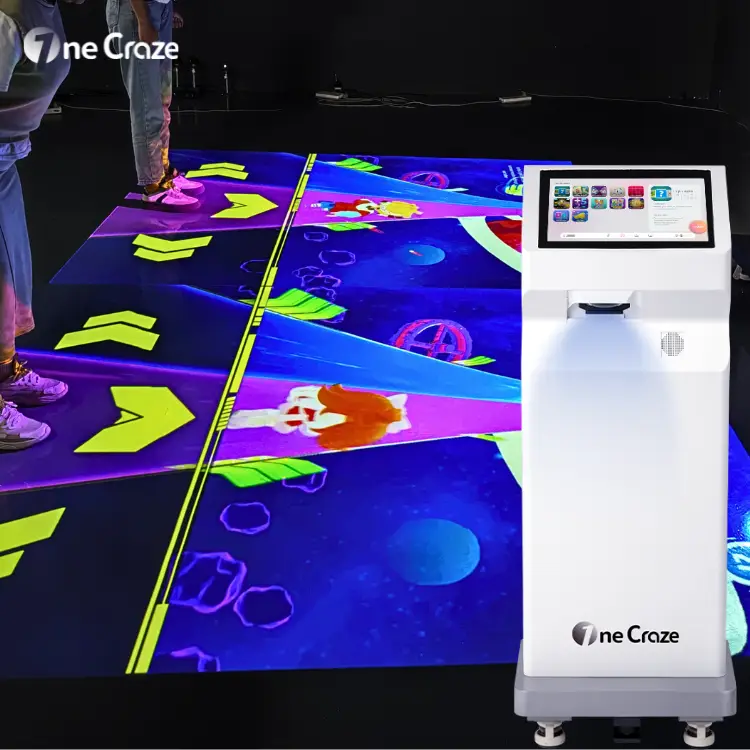
An interactive floor projector combines a projector, motion sensor, computer and game software so footsteps and body movements can change the projected activity. For a school or indoor playground, the buying decision starts with the usable play area, lighting and installation format—not just the projector price.
This interactive floor projector buying guide explains how to compare equipment quotations, prepare your room and select a system for daily operation. It covers portable all-in-one machines and fixed installations, with a Mini SAIO example from our product range.
What should a complete interactive floor projector system include?
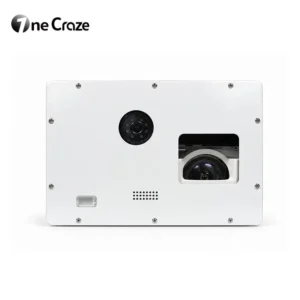
A complete system needs more than a device that displays video. The sensing hardware detects activity in the play area, and the computer runs software that turns that input into game responses. An all-in-one cabinet brings these components together; a fixed installation may position them separately.
Before comparing suppliers, ask for a written equipment list that identifies the projector and lens, sensing hardware, computer, game software, controls, cables and installation accessories. Confirm whether audio equipment, operator training and setup assistance are included. Browse our interactive projection equipment range to compare floor, wall and sports formats.
How much does an interactive floor projector cost?
There is no single price that represents every interactive floor installation. A projector-only offer is different from a complete machine with sensing hardware and licensed games. OneCraze provides configuration-based quotations; the product example in this guide does not establish a universal selling price.
Compare offers using the same scope. A useful purchasing budget separates these items:
- Equipment: projector, optics, sensors, computer, enclosure or mounts, controls and accessories.
- Software: included games, languages, license term, update access and any optional content work.
- Site preparation: mounting, power, cable routing, floor finish and lighting adjustments where required.
- Delivery: packing, freight and destination charges, with responsibilities stated in the quotation.
- Ongoing operation: maintenance, renewal fees if applicable, spare parts and support coverage.
Ask for the equipment price and the expected site-work scope separately. This makes a factory quotation more useful than an unsupported promise of the lowest price. For general cost categories, the Mantong floor projection cost breakdown provides another supplier perspective; its estimates are not OneCraze prices.
Portable or ceiling-mounted: which format fits your venue?
Portable all-in-one floor projectors
A mobile cabinet is worth considering when an activity moves between rooms, permanent ceiling work is restricted or equipment must be stored after a session. Include space for the machine itself, its power cable, access for staff and the projected activity area. Check door widths, thresholds, storage routes and the machine’s weight before treating it as easy to transport.
Portable does not mean every room will produce the same result. After repositioning the machine, check image placement and interaction accuracy, and follow the supplier’s calibration procedure where needed. Our portable all-in-one interactive floor projector is one format to evaluate for school and playground projects.
Fixed ceiling-mounted floor systems
A fixed system may suit a dedicated play zone where the equipment should remain above the activity area. Confirm the approved mounting arrangement, power and cable access, service access and sensor coverage. Obtain a supplier layout for the actual room rather than applying the ceiling height of a different model.
The Motioncube floor mounting guide shows several installation approaches and explains that projection size depends on the mounting arrangement. It is a general reference, not an installation drawing for a OneCraze machine.
What space and lighting does an interactive floor need?
Measure the image area and the operating area separately
The projected rectangle is only one part of the required space. Your layout also needs room for equipment where applicable, participants, supervision and entry and exit routes. Send the supplier a simple plan with room dimensions, ceiling height, obstacles and power outlet positions.
Request a drawing showing both the visible image and the usable interactive area. Ask whether players are detected across the entire proposed area and what changes if the machine or sensor position moves. Player capacity should be confirmed for the selected game, not inferred from floor dimensions alone.
Review floor finish and daytime light
Strong direct light and visually busy surfaces can make projected targets harder to see. Share photographs taken during your normal operating hours, including windows and ceiling lights. Ask for a demonstration on a comparable surface with similar lighting rather than relying only on footage recorded in a dark showroom.
LUMOplay’s interactive floor installation guide also highlights directional lighting and window placement. Its model-specific dimensions should not be used as universal requirements. Confirm projector brightness, its measurement standard and the proposed image size together.
A practical example: the Mini SAIO floor projector
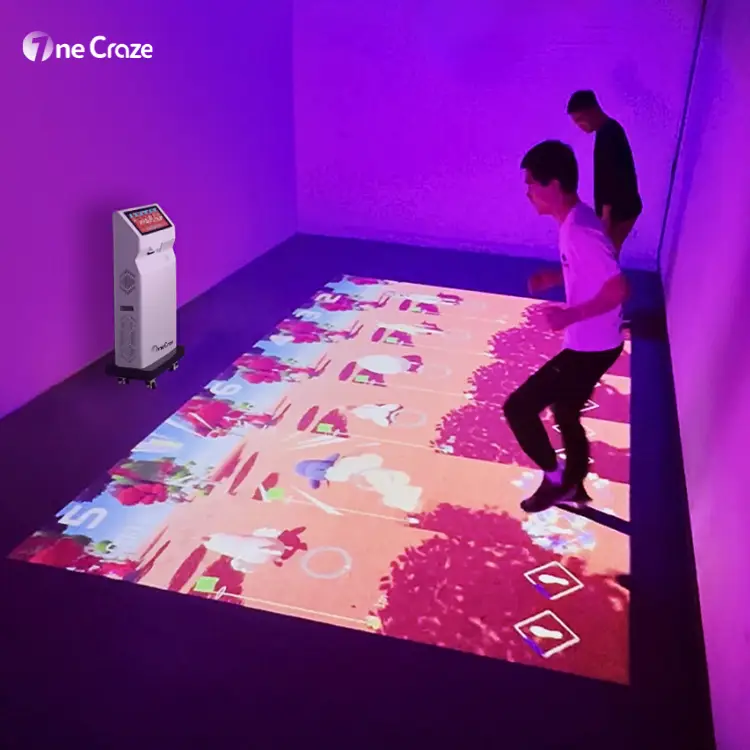
The current OneCraze Mini SAIO product specification lists a 3.7 × 2.1 m projection size, a 15.6-inch touchscreen and a 500 × 400 × 1300 mm cabinet. It also lists a maximum resolution of 1920 × 1080 and laser-radar sensing.
These are published product specifications, not a guarantee that every room can reproduce the same layout. Use them to start the discussion, then request confirmation of the current configuration, required clearance and achievable image area for your venue.
How to choose games for schools and indoor playgrounds
For a school activity room, start with the age group, language, session length and how staff will select activities. Request demonstrations of the actual games you intend to use. A large library count does not explain whether the content matches your teaching or recreation program.
For an indoor playground, review how a round starts, how players join, whether staff must reset the activity and how waiting visitors move around the play zone. For distributors, also clarify software activation, permitted deployment, spare-parts arrangements and who provides first-line support.
Do not assume that one floor machine also supports wall games. If your attraction is based on throwing balls or reaching for wall targets, compare the relevant wall systems in our interactive machine categories before choosing floor equipment.
What should you test before accepting the equipment?
Agree on a demonstration or acceptance checklist before ordering. The following checks provide a practical starting point for discussion with your supplier:
- Show the quoted configuration running the agreed game package.
- Check interaction near the center and edges of the proposed play area.
- Test the intended number of players using representative activities.
- Demonstrate startup, game changes, shutdown and recovery after a normal restart.
- For a mobile machine, demonstrate repositioning and the required setup checks.
- Confirm license terms, update access, warranty coverage and support responsibilities in writing.
Frequently asked questions
Can I use an ordinary projector for interactive floor games?
A conventional projector alone displays an image but does not detect footsteps. An interactive system also needs compatible sensing hardware, computing and game software. Confirm the complete configuration before buying individual components.
Do I need a completely dark room?
Not necessarily, but suitability depends on lighting, image size, surface and projector output. Direct sunlight may make the image difficult to see. Ask the supplier to evaluate your room photographs and demonstrate comparable conditions.
Can a portable interactive floor projector move between classrooms?
A mobile model may suit shared rooms if its dimensions, weight and transport route are practical. Confirm power access in each room and whether repositioning requires calibration or other setup checks.
How many children can use one interactive floor system?
Capacity depends on the game, usable play area and sensing configuration. Request a demonstration with the intended group size and plan supervision and circulation separately from the projected image.
Are games and software updates included in the purchase?
Package terms vary. Ask the supplier to state included games, languages, license duration, offline operation, update access and any recurring charges in the quotation. Do not assume lifetime access from a game count alone.
What information is needed for a manufacturer quotation?
Provide your venue type, room dimensions, ceiling height, floor photographs, lighting conditions, intended activities, order quantity and destination country. Include any restrictions on mounting or moving equipment.
Request a configuration for your venue
Ready to compare an interactive floor solution for a school, playground or recreation space? Send your venue details to request equipment pricing and a configuration proposal. If you are still comparing suppliers, you can also learn about our manufacturing and solution support before discussing the project.